
Concept Drafts › Concept Drafts product tour
The best ideas need a plan. Concept Drafts is where you make it.
Describe what you want to make. Concept Drafts takes it from a conversation to specs, drawings, a priced parts list and the rules to check, on one page you can print. No drafting skills, no design software, no weeks of back and forth.
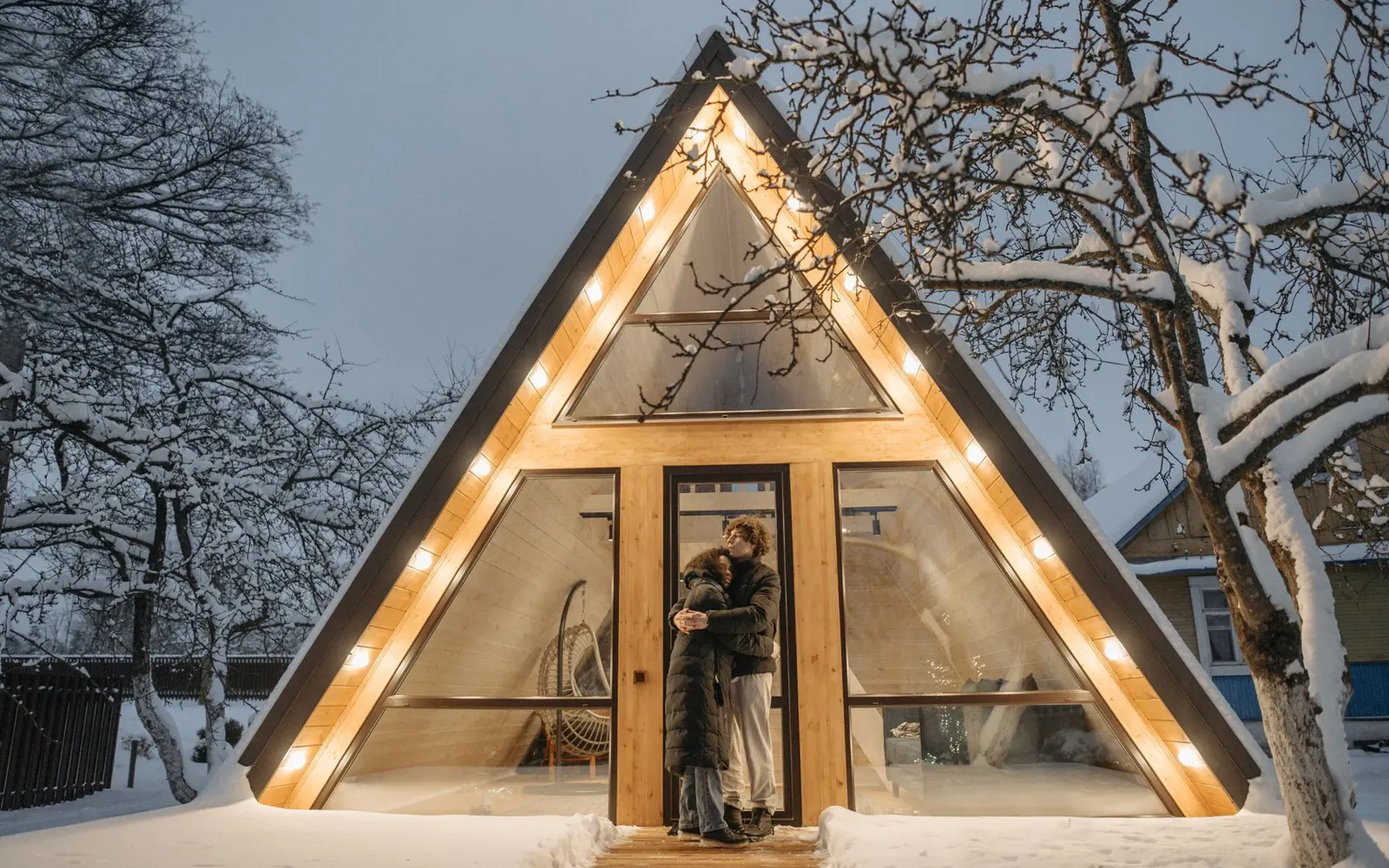
Your AI planning partner. Brainstorm. Draft. Make it real.
Anyone with an idea can plan it properly now. You set the goals and the budget. The AI does the drafting.
Brainstorm.
- Describe your project in plain words, with a photo or sketch if you have one.
- Discuss mode is free on paid plans and changes nothing until you say so.
- Share a link and get comments from your team or a guest.
- Stuck? Ask for an AI second opinion on paid plans.
Draft.
- Specs with units, estimates marked approx.
- Three drawings: side, top or front, and a systems diagram.
- Parts with a typical spec, quantity, price range and supplier type.
- Build phases with rough time, and which steps need a professional.
- Rules, permits and the offices that handle them.
- Change anything by asking; every version is kept.
Make it real.
- Print or save as a PDF, laid out for paper and phones.
- Use the parts list to ask suppliers for real quotes.
- Plan the money with the free build budget calculator.
- Take it to the engineer, architect or licensed trade it names.
- Launch a page, waiting list or pre-orders in the same account.
One draft. Every part of the plan.
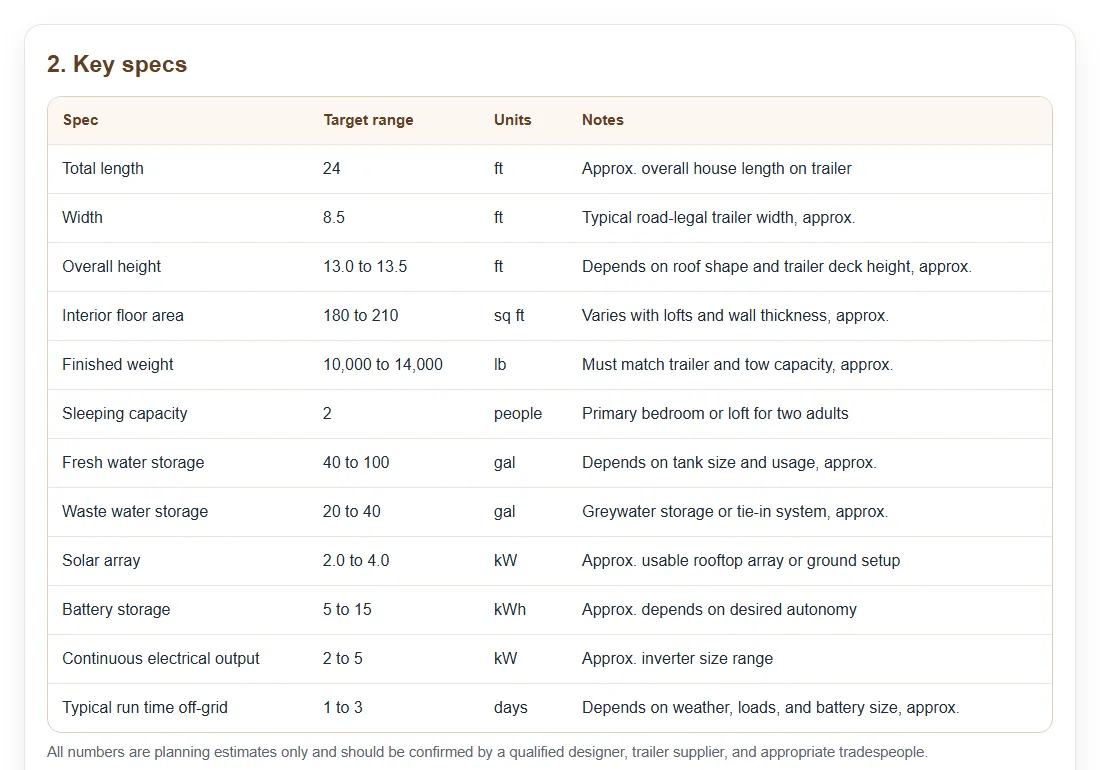
Key specs
Sizes, weight, capacity and power in one table, estimates marked approx.
Learn more →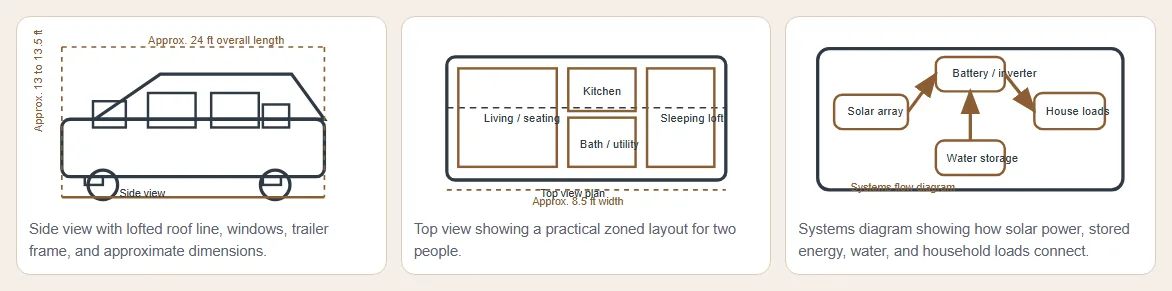
Drawings
Side view, top view and a systems diagram, labelled.
Learn more →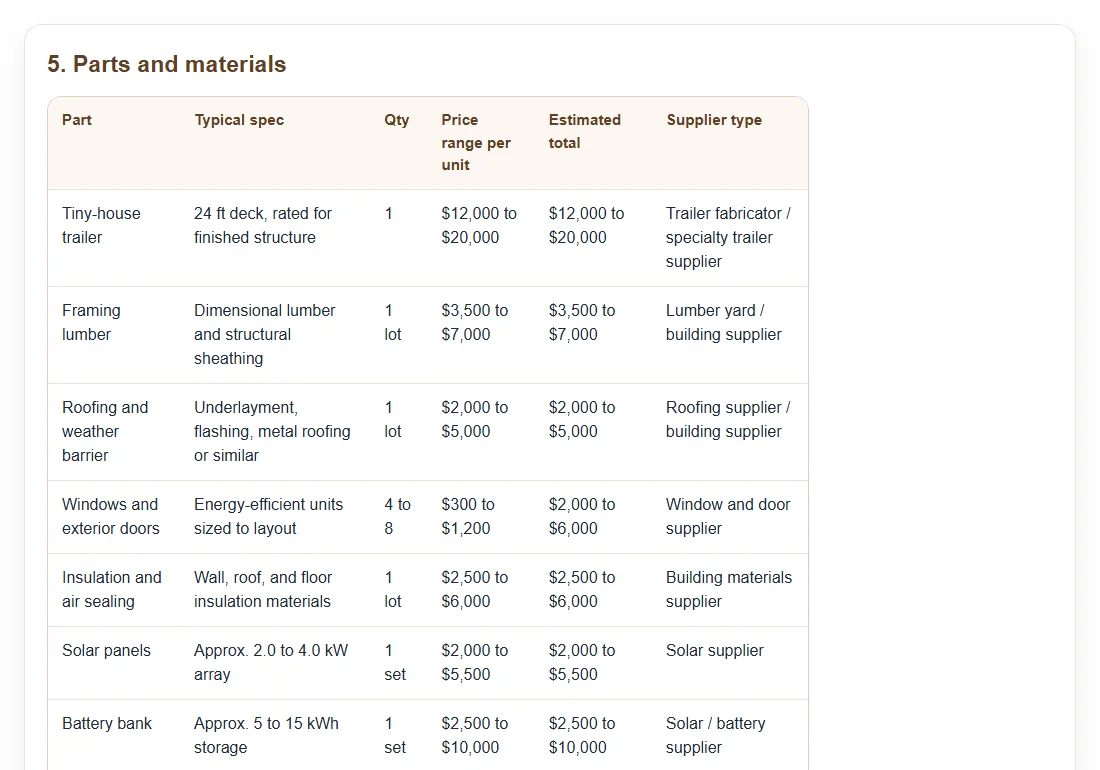
Parts and budget
Every part with a typical spec, quantity and price range.
Learn more →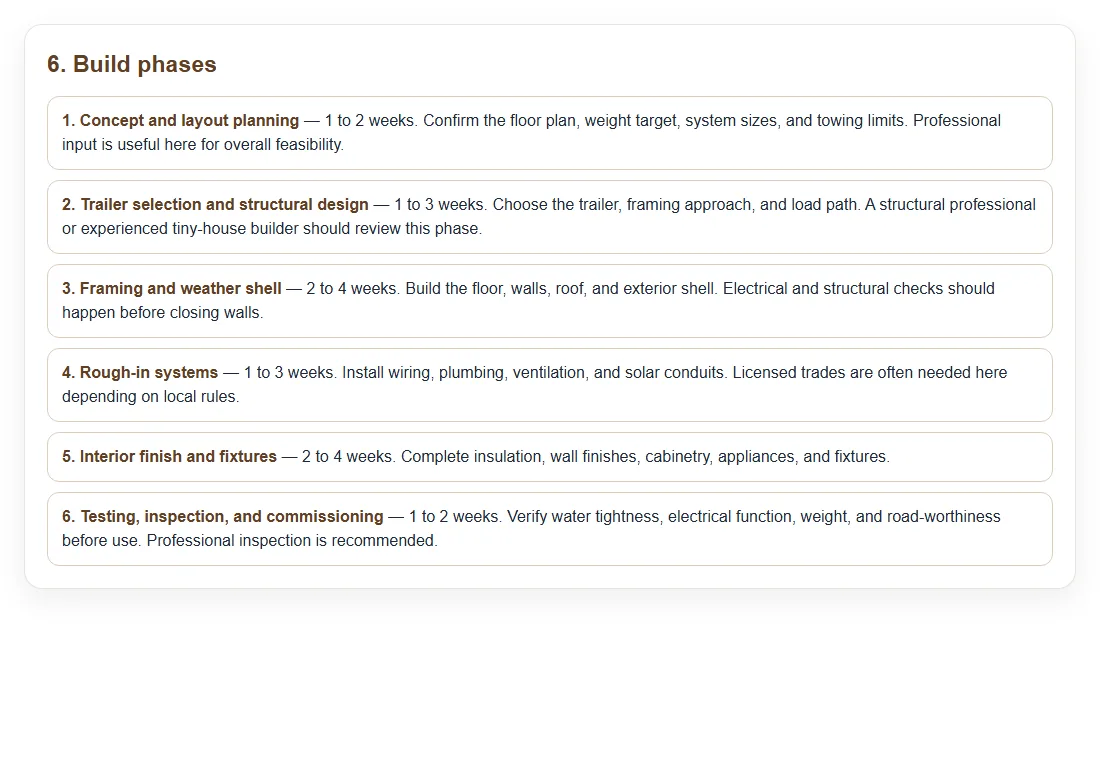
Build phases
The order of work and the time each phase takes.
Learn more →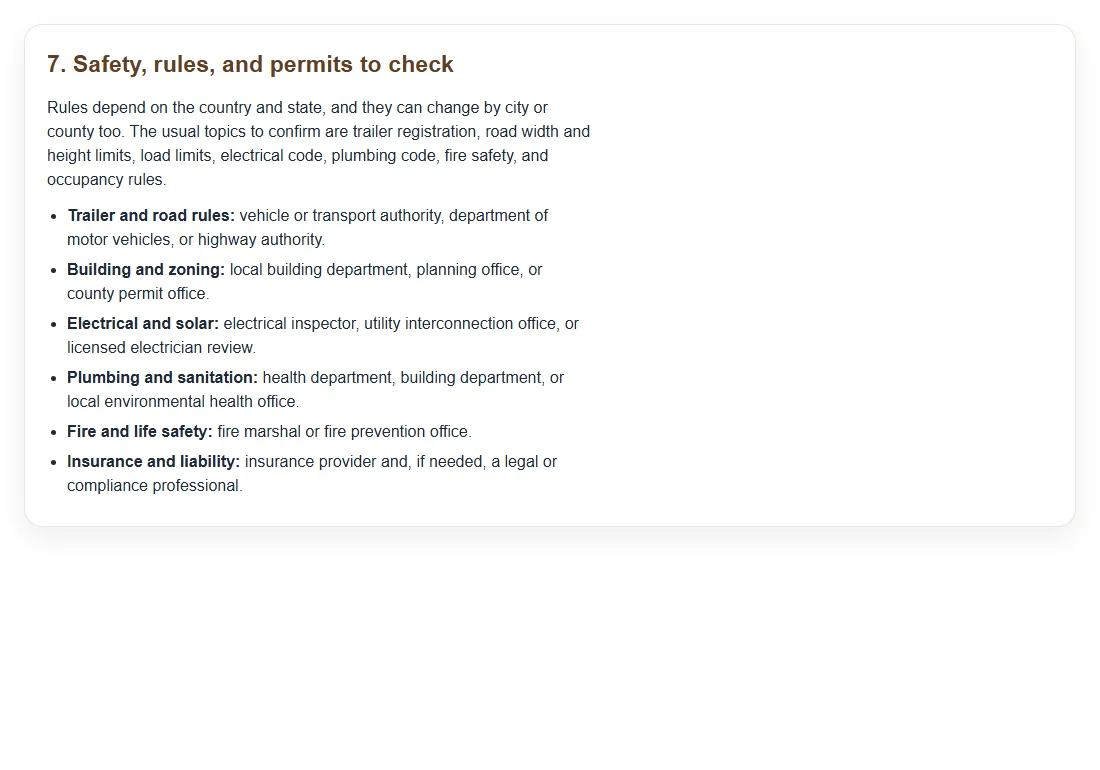
Rules and pros
Permits to check and the professionals to involve.
Learn more →Checked at every step
What happens to every concept draft before and after you see it.
Checked before you see it
Every draft is checked automatically for a complete page, working links and images, and problems are fixed on the way.
The same sections every time
Overview, specs, drawings, how it works, parts, phases, rules, who to involve and open questions, in that order.
Ranges, not made-up numbers
Estimates are marked approx. and prices are given as ranges, with a note that they must be confirmed.
Planning-only banner
Every draft says at the top that it is not a build plan and must be checked by a qualified professional.
Fits paper and phones
A Print or save as PDF button, and tables and drawings that fit a phone screen.
Unsafe requests refused
Weapons, explosives, devices to hurt people or animals, spying devices and drug making are never drafted.
AI second opinion
On paid plans, a fresh AI review lists what is missing or unclear in your project, most important first.
The right AI model for each step
No keys to manage and no provider to pick. Choose Auto, Best or Fast in the Agent menu of the chat box, or leave it on Auto.
Auto
Picks the right AI model for each request: quick for small changes, stronger for big ones. The default.
Best
The premium model for every change, within your plan's monthly premium share. On paid plans.
Fast
The quickest answers for small edits and trying ideas, using fewer credits. On paid plans.
Whatever you're making, it knows the field.
Boats, motors and batteries planned together
Hull size, seats, motor, battery and range change each other. A concept draft puts them on one page so you can see the trade-offs before you spend.
Real drafts: 24-foot electric boat, Electric pontoon boat, 16-foot fishing skiff

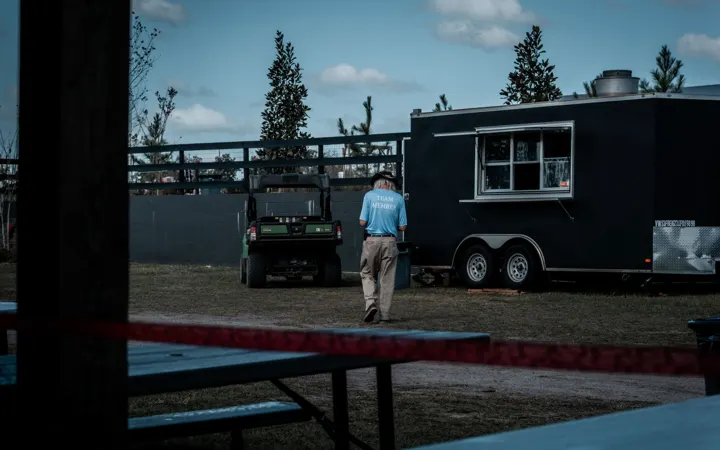
A food trailer planned down to the last outlet
Kitchen layout, power, water, gas and the health inspector's list on one page, before you buy a trailer.
Real drafts: 16-foot taco trailer, Battery coffee cart, Wood-fired pizza trailer
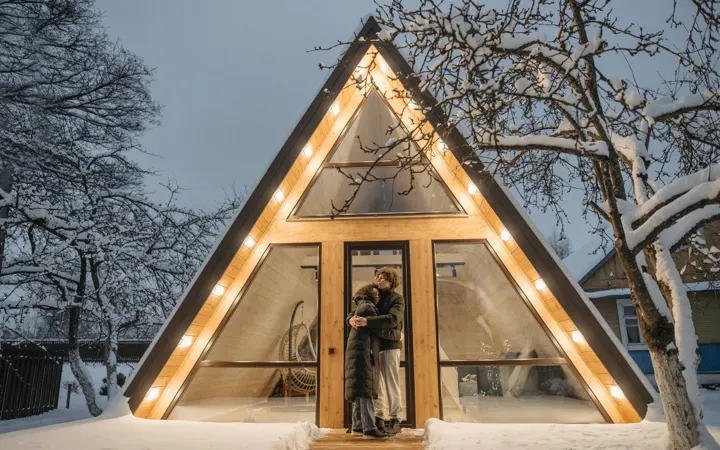
Tiny homes, sheds and cabins, planned before you pour
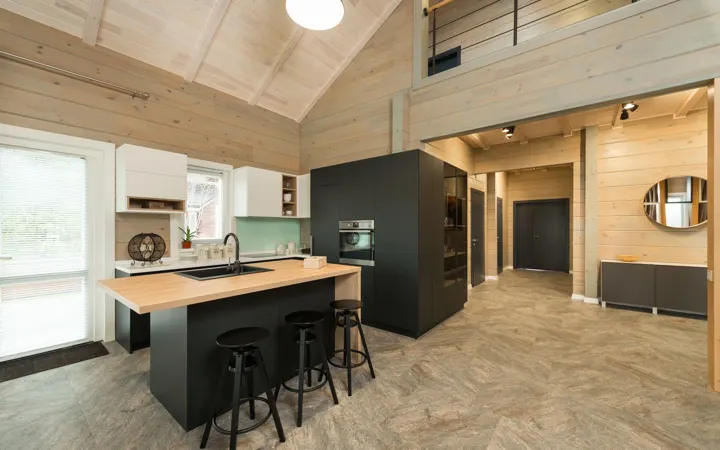
Floor plan, frame, roof, power and water for a small building, with the codes and permits to check, on one page.
Real drafts: 24-foot off-grid tiny house, 600 sq ft A-frame cabin, 40-foot container home
Furniture drafted with a cut list and a wood budget
Sizes, joinery, hardware and board feet for a desk, table, cabinet or bed, so you buy the right wood once.
Real drafts: Oak standing desk, Walnut kitchen island, Maple bunk bed with stairs
Drones and robots: frame, motors, power and rules together
Flight time, payload, motors, batteries and the flying rules on one page, before you order parts.
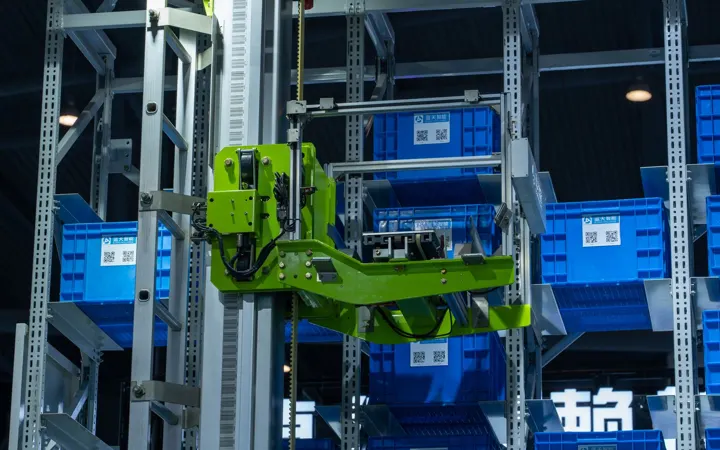
Real drafts: Crop-check farm drone, Campus delivery robot, Warehouse bin robot

Solar, batteries and backup power, sized from your real use
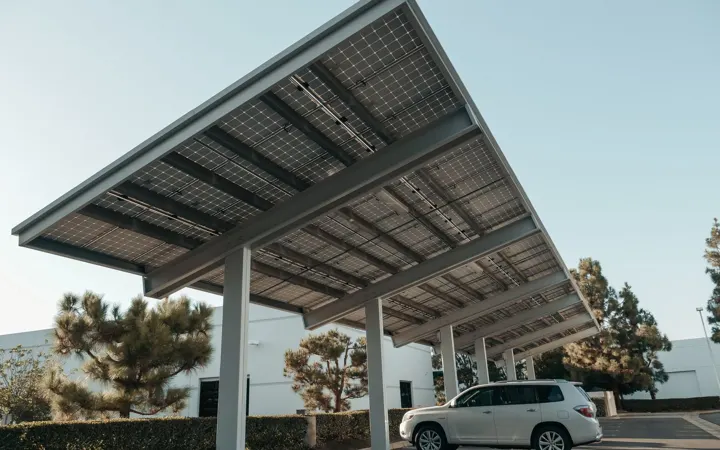
Panels, batteries, inverter and wiring for a shed, cabin, RV or business, with the permits and the electrician's checklist.
Real drafts: Solar workshop shed, 8 kW rooftop solar, 2-car solar carport
Carts, conversions and custom vehicles, planned end to end
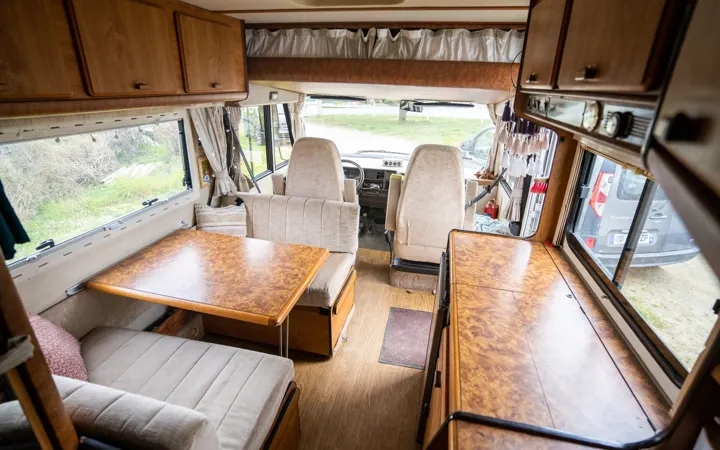
Seats, range, motor, battery, brakes and the road rules on one page, for a cart, trike, camper or conversion.
Real drafts: 6-seat resort cart, Family cargo e-bike, High-roof camper van
Farm and garden equipment planned for your land
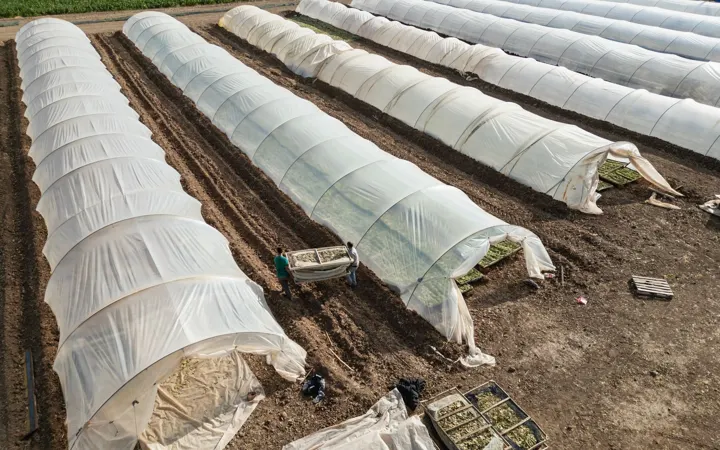
Greenhouses, irrigation, carts, sprayers and drones, with parts, power and water worked out for your acres.
Real drafts: Crop-check farm drone, Seed and fertilizer cart, 20 by 48 hoop greenhouse
Bring your existing work.
Attach what you already have to your message, and take the finished draft wherever you need it.
Three phases, one project
Brainstorm
Tell the AI what you want to make and why. In Discuss mode it asks the questions a good builder would ask and turns the talk into a plan, without changing anything until you approve.
Plan together in one account
Free team logins on every paid plan, comments with @mentions, guest invites, team rules the AI follows and every version kept.
Start with an idea. Finish with a plan.
Describe it in one sentence. Specs, drawings, parts with prices and the rules to check, in about a minute.
For planning only: have a qualified professional check any design before you build or use it.